Creating a Smart Object (PART 4/4 Arrange Settings)
STEP 1
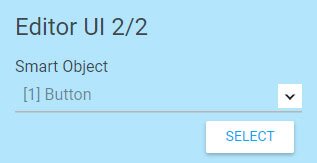
Go to Settings Config. Choose and select your smart object.
STEP 2
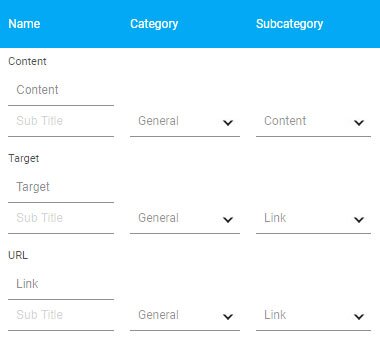
You can insert title and subtitle to help your user understand what does the setting does. Then select a category and a sub category for the settings to be placed.
STEP 3
2 Column Setting Layout
1 Column Setting Layout
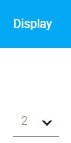
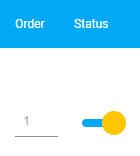
In the display column, choose between 1 and 2 to create space for the settings.
STEP 4
Insert order number for the settings' arrange sequence within the sub category.