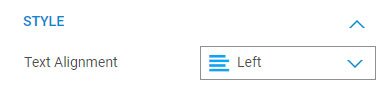
Object like text, button has it's own setting of text alignment. To align the text within
Type 02 Object alignment within a column
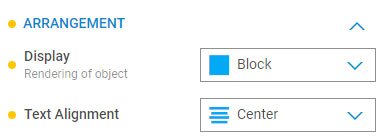
Some object like button can use the text alignment setting under Properties > Arrangement > Text Alignment to place entire button left/ center/ right.
Type 03 Object alignment using margin setting
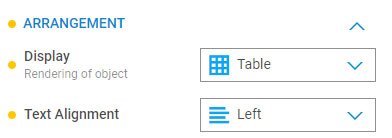
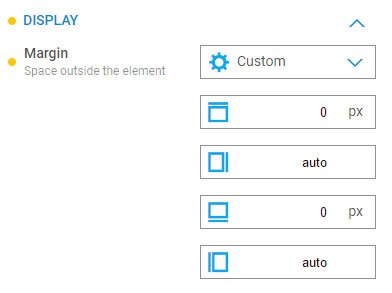
Setting the object Properties > Arrangement > Display to Table. Follow by Properties > Display > Margin to custom and 0, auto, 0, auto would align the object to the center.