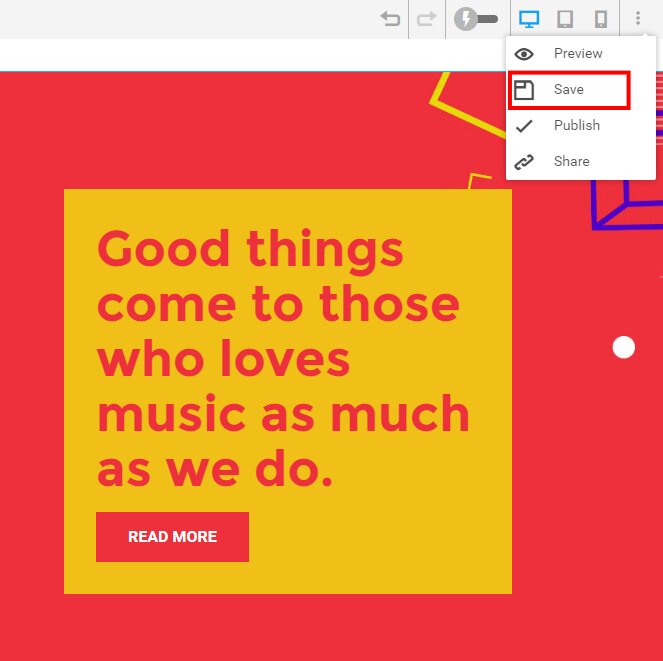
Select the more action button on the top right panel and click on save button or you can use keyboard shortcuts (Ctrl + S for save)
Note: - You can see the full list of keyboard shortcuts in the Help center icon on left pop up panel. - By clicking the save button it just save the page as revised version without showing on live page.