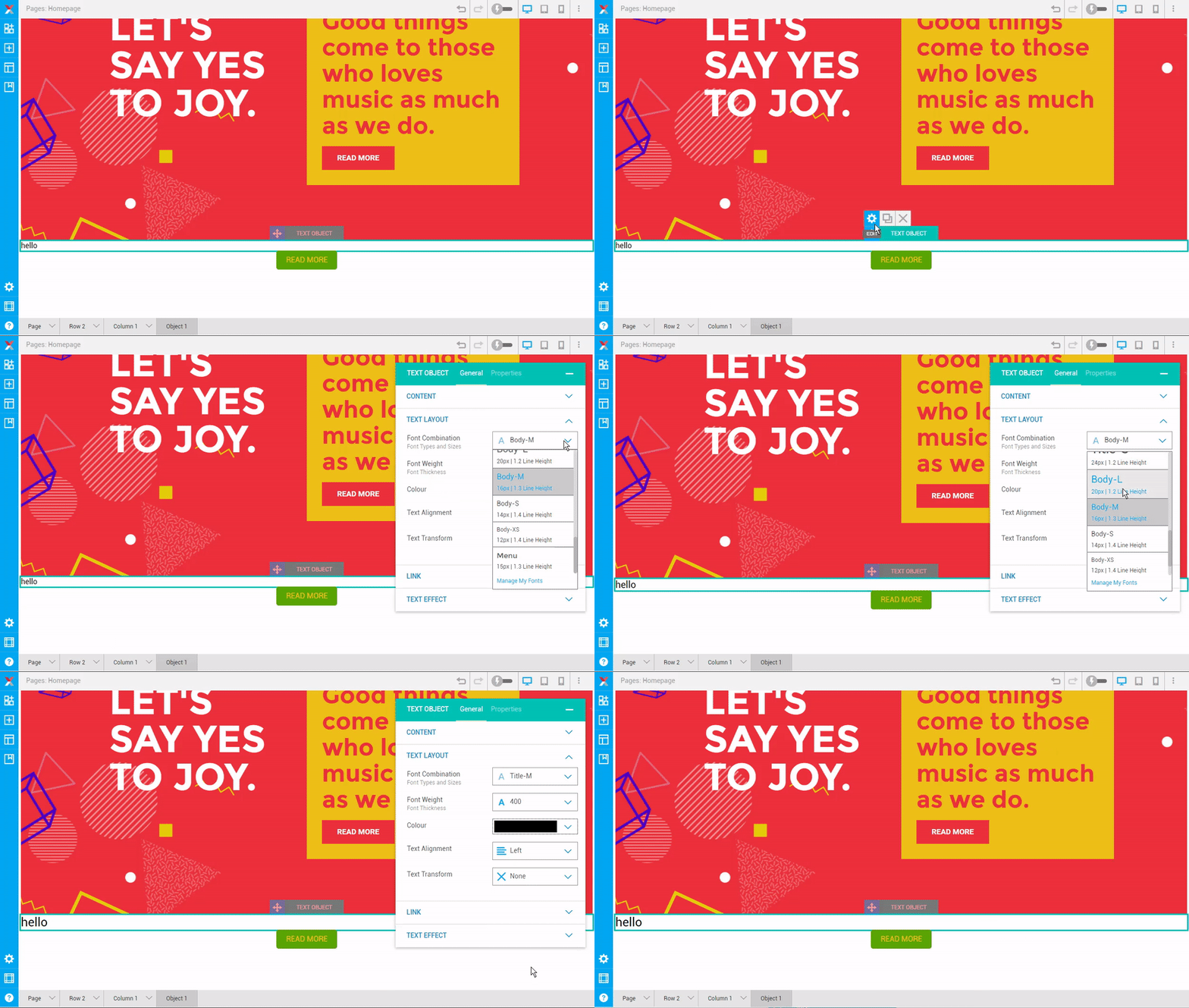
Mouse over on the text object and click on setting icon to open up setting panel.
On first General tab, look for Text Layout.
Click on the font combination dropdown to select preferred size.
Note: - You will see the font size changes when you mouseover the option. - You can change the font size of different view manually when click on the ‘Manage My Fonts’.